iPhone
Tên trên App Store: AIO AFS. Cần iOS 13.0 trở lên.1 Listed on the App Store as AIO AFS. Requires iOS 13.0 or later.1
Tải cho iPhone trênGet it for iPhone on theApp Store
 AIO AFS

Ứng dụng hậu mãi của AIO Việt Nam The aftersales app from AIO Vietnam
Tra cứu bảo hành, đặt lịch bảo dưỡng và theo dõi sửa chữa cho máy AIO, ngay trên điện thoại. Check warranty, book maintenance and follow repairs for your AIO machine, right from your phone.
Tính năng AIAI features
Chăm máy trước khi máy hỏng. Looking after the machine before it breaks down.
AI dự đoán ngày máy cần bảo dưỡng và báo trước cho bạn, thay vì chờ đến khi máy quá mốc giờ. AI predicts the day your machine will need maintenance and tells you ahead of time, instead of after the interval has passed.
Chụp ảnh hoặc quay video chỗ hỏng. AI dự đoán lỗi và gợi ý kỹ thuật viên nên mang theo phụ tùng nào. Take a photo or video of the problem. AI predicts the fault and recommends which spare parts the technician should bring.
Tự động điều khiển máy từ xa, ngay trên điện thoại. Automated remote control of the machine, right from your phone.
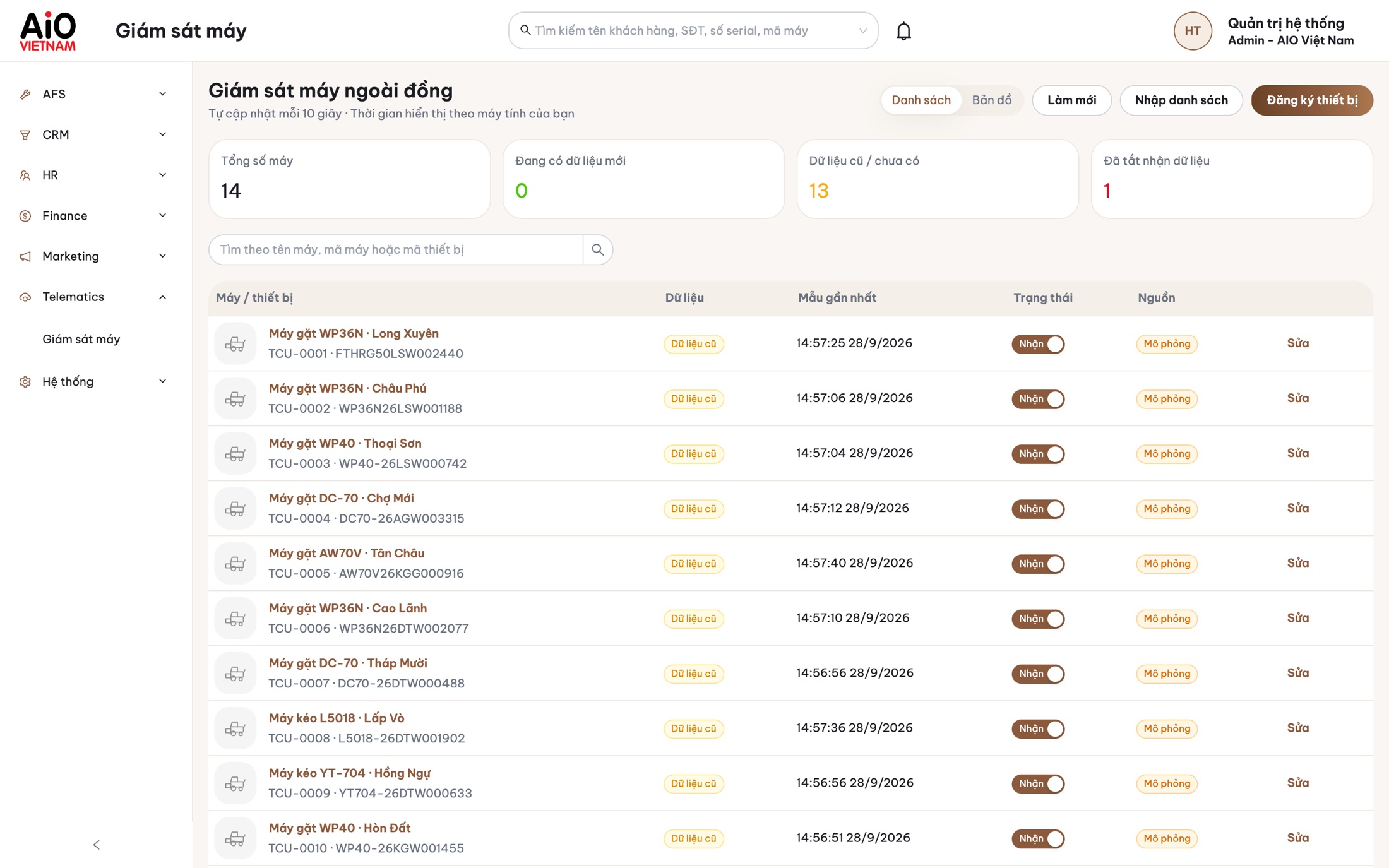
Quét mã vạch trên máy hoặc nhập số sê-ri để xem thời hạn và số giờ đã chạy. Scan the barcode on the machine or enter its serial number to see the warranty term and hours run.
Số sê-ri, số động cơ, ngày mua, cùng lịch sử bảo dưỡng và sửa chữa của từng máy. Serial number, engine number, purchase date, plus the maintenance and repair history of each machine.
Chọn máy, chọn loại dịch vụ rồi gửi yêu cầu. Đại lý tiếp nhận và hẹn ngày. Pick the machine, pick the service, send the request. Your dealer takes it and sets a date.
Chưa có máy nào trong ứng dụng? Đại lý sẽ đăng ký bảo hành khi bàn giao máy cho bạn. No machines in the app yet? Your dealer registers the warranty when the machine is handed over to you.
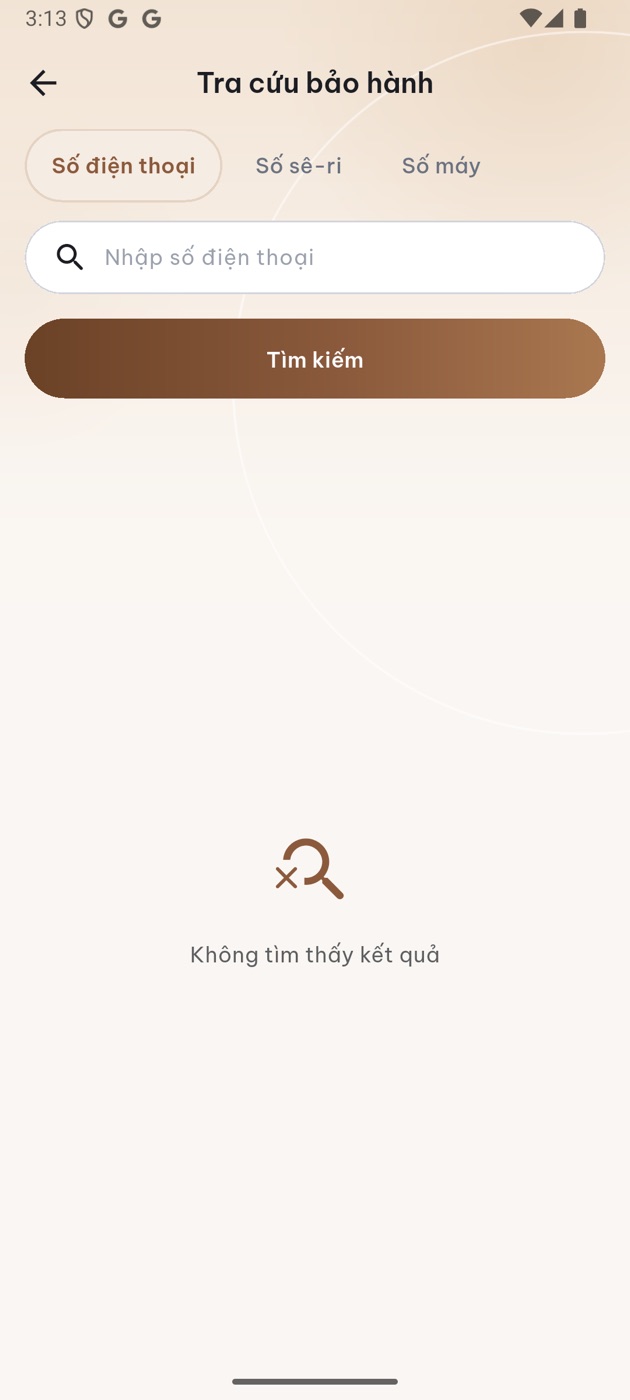
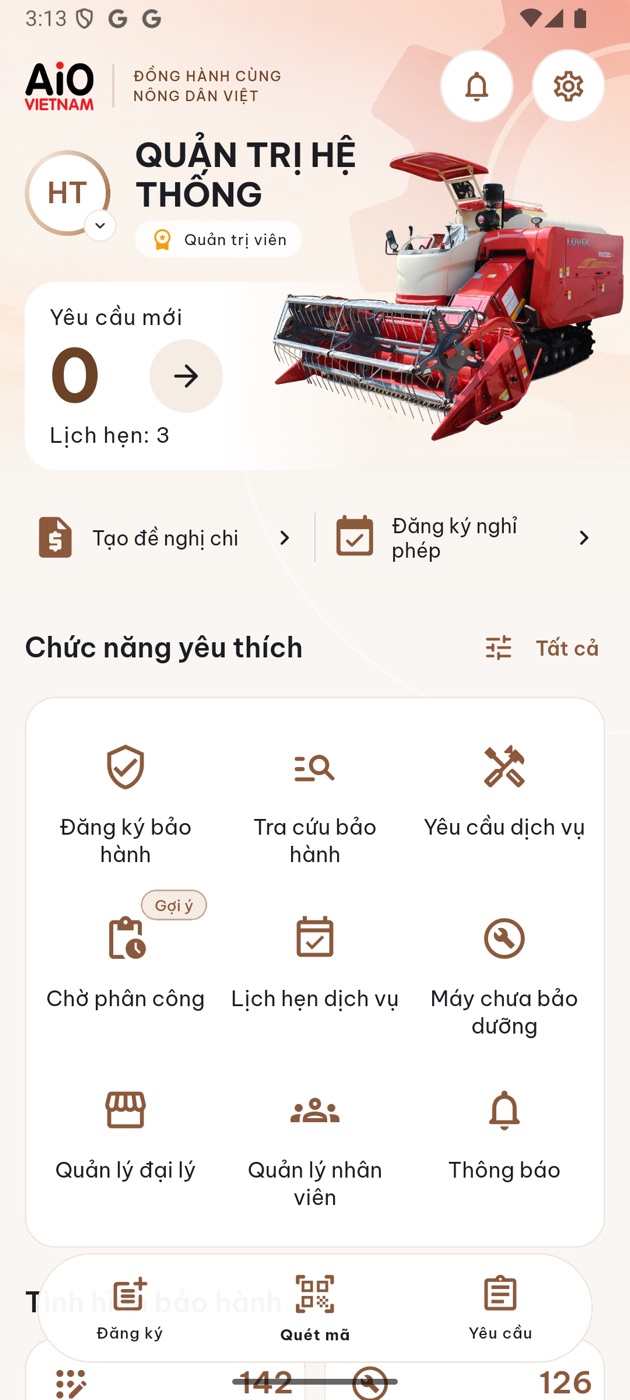
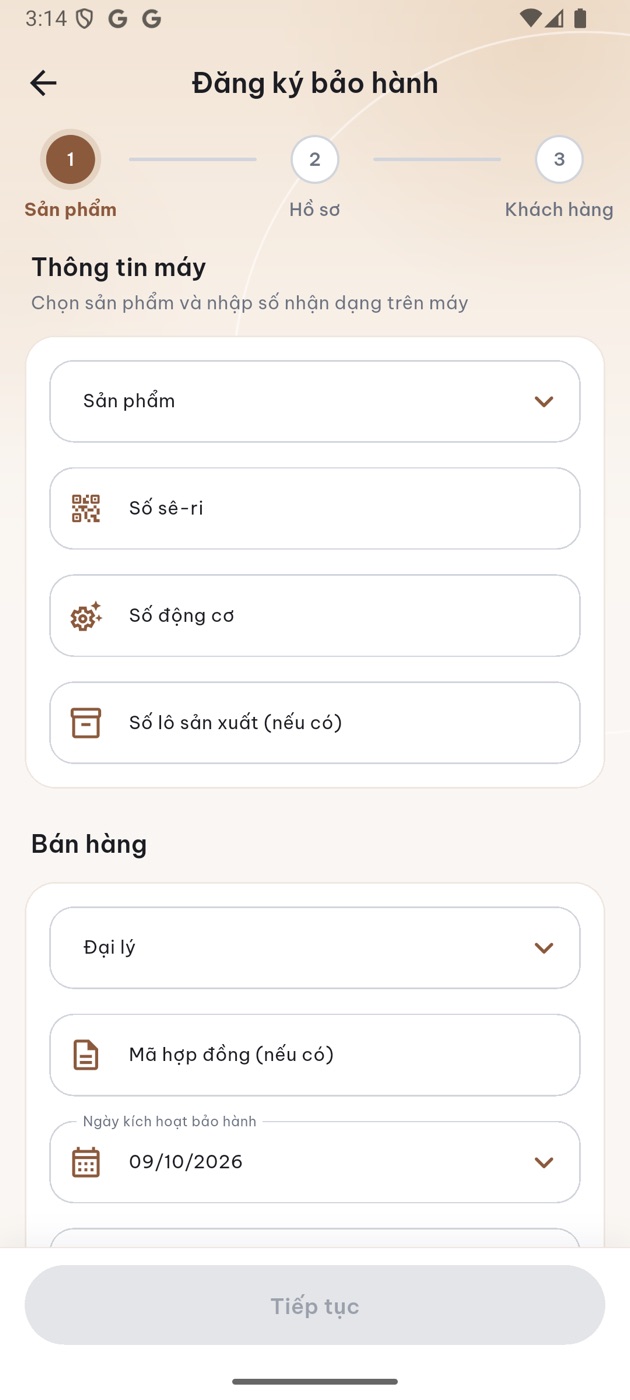
Giao diện mới: tra cứu bảo hành, trang chủ, đăng ký bảo hành. The new interface: warranty lookup, home, warranty registration.
Chủ máy, đại lý và kỹ thuật viên cùng nhìn một trạng thái. Owner, dealer and technician all look at the same status.
Yêu cầu vừa gửi, chờ đại lý tiếp nhận.Request sent, waiting for the dealer to take it.
Có ngày hẹn và người thực hiện.A date is set and someone is assigned.
Kỹ thuật viên làm từng hạng mục, có ảnh đính kèm.The technician works item by item, with photos attached.
Chủ máy xem kết quả và gửi đánh giá.The owner reviews the result and leaves a rating.
Từ lúc bàn giao máy đến từng lần bảo dưỡng về sau. From handover day to every service visit after it.
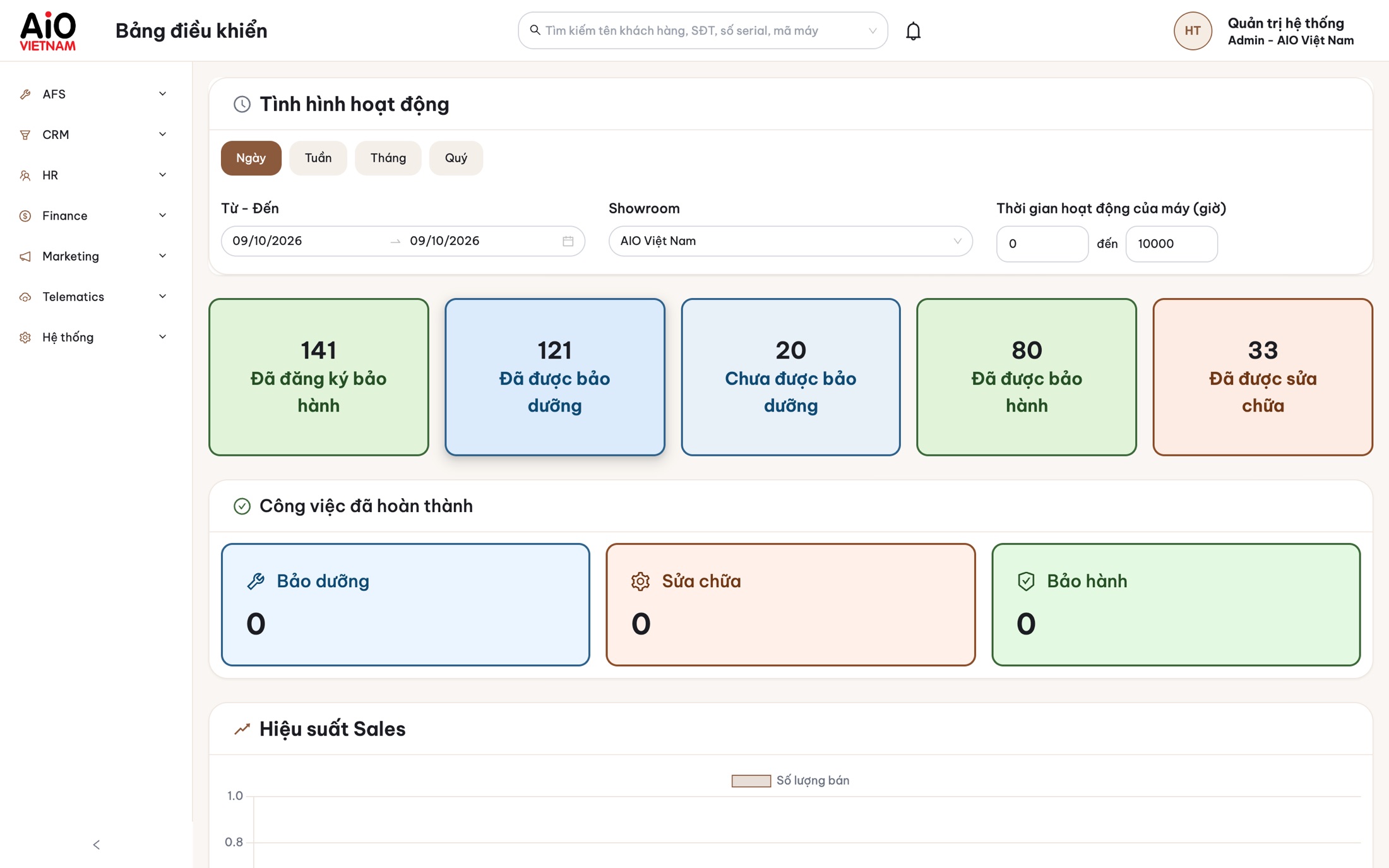
Năm vai trò: Quản trị viên, Đại lý, Nhân viên, Khách hàng, Giám sát. Giao diện tiếng Việt và tiếng Anh. Five roles: Admin, Dealer, Staff, Customer, Supervisor. Interface in Vietnamese and English.
Miễn phí cho iPhone và Android.Free for iPhone and Android.
Tên trên App Store: AIO AFS. Cần iOS 13.0 trở lên.1 Listed on the App Store as AIO AFS. Requires iOS 13.0 or later.1
Tải cho iPhone trênGet it for iPhone on theApp Store
Tên trên Google Play: AIO-AFS, nhà phát triển AiO Viet Nam.2 Listed on Google Play as AIO-AFS, by AiO Viet Nam.2
Tải cho Android trênGet it for Android onGoogle Play